A roofing contractor called me in a panic a few months ago. His Google Business Profile had disappeared from the Local Pack overnight. He had great reviews and a solid website, so nothing about his SEO had changed. But Google had started treating his separate office as if it sat “inside” another business. One wrong relationship setting, and his listing vanished.
Over 10 years in local SEO, I have seen this same story with roofers, plumbers, real estate offices, and clinics. In Google Business Profile, “relationships” are not a fancy term buried in a settings menu. They are structural signals that tell Google where your business actually sits in the real world. Get them wrong, and your visibility can drop. Get them right, and you can unlock the Directory tab, build entity authority, and make it far easier for customers to find you.
What Are Relationships in Google Business Profile and Why Should Local Businesses Care?
In Google Business Profile, relationships are the connections Google draws between your business and other businesses or locations. They tell Google whether you are a separate location, a department inside a larger business, a practitioner working at a clinic, or one of many locations in a national chain.
There are four types every local business owner should know:
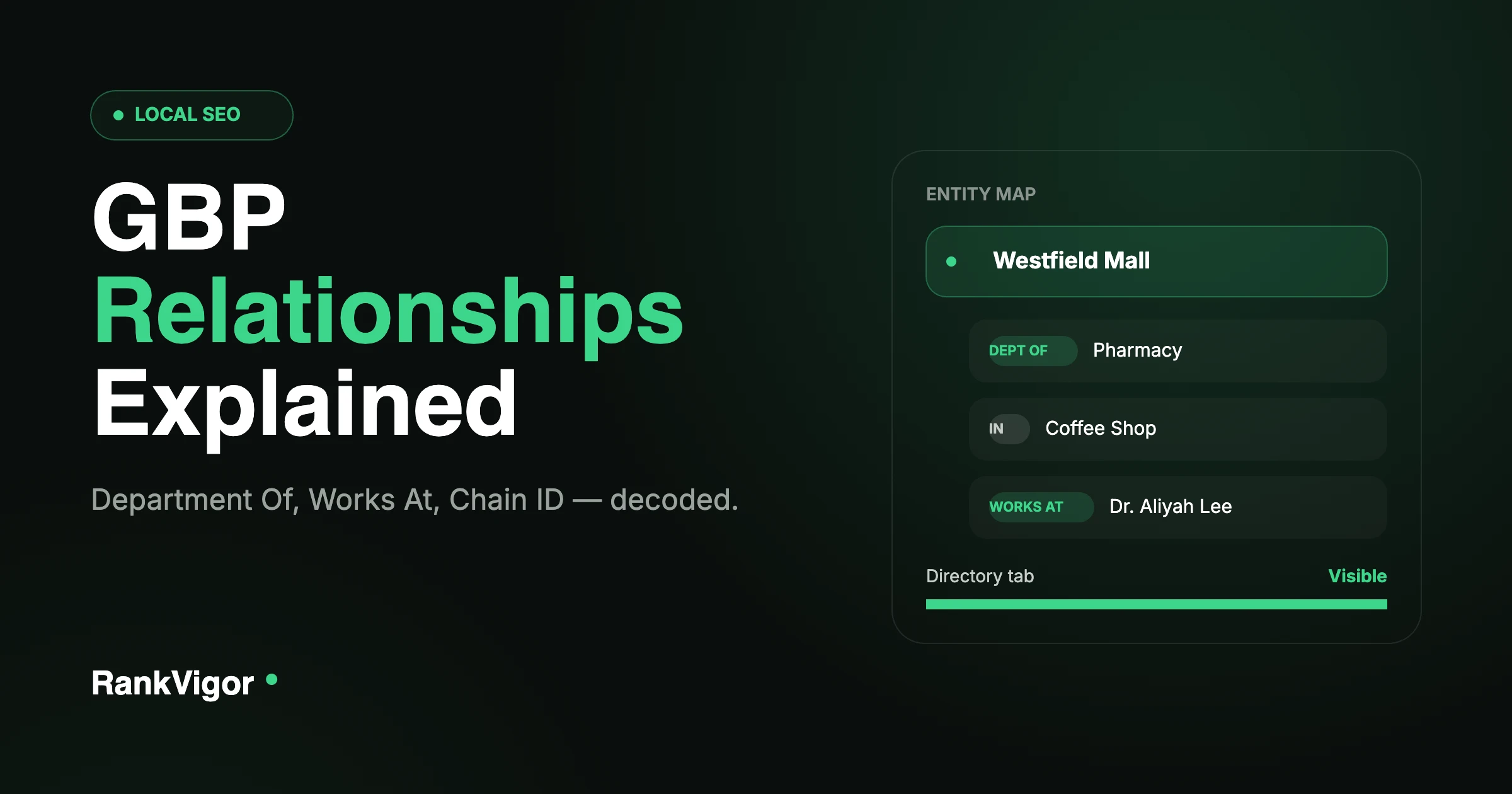
- Department Of. Your business operates as a department inside a larger parent business — a pharmacy inside a grocery store, or a dental department inside a hospital.
- Independent Establishment In. Similar setup, but your business keeps its own identity while physically sitting inside another location, like a coffee shop inside a bookstore.
- Works At. For individual practitioners — a doctor, real estate agent, or lawyer who practices at a specific location. It links their personal practitioner listing to the business location.
- Chain ID. A backend identifier that connects multiple locations of the same brand. Every McDonald’s location shares a Chain ID, which groups them under one brand entity.
These relationships matter because they shape how Google represents your business in its Knowledge Graph. When Google knows you are an independent roofing company and not a department inside a hardware store, it can rank you correctly. When it knows a real estate agent still works at their brokerage, it keeps that connection intact. But when a relationship is wrong, Google gets confused — and a confused Google tends to rank you more cautiously, not more generously.
For any business listed on Google, these relationships are not optional metadata. They are foundational. According to Birdeye’s 2026 State of Google Business Profile report, verified profiles generate up to 4 times more website visits than unverified ones — and relationship accuracy is part of what gets a profile verified correctly in the first place. If you are a local business owner, this is step one. If you are the SEO managing client profiles, this is where you prove you actually understand the platform.
Can Customers See These Relationships on Google Maps and Search?
Some relationships are visible to customers. Others live only in Google’s backend systems.
Here is what customers can actually see:
The Directory tab. On mobile Google Maps, businesses that are “Department Of” or “Independent Establishment In” a parent location appear in a Directory tab on the parent’s profile. This matters enormously for malls, medical plazas, and shopping centers. Someone looking at a hospital on Google Maps can tap the Directory tab and see every clinic and department inside it. If your clinic is correctly linked as a Department Of that hospital, you show up there. If the relationship is missing, you are invisible in that tab — even though you’re physically inside the building.
“Located in” labels. Google sometimes shows a “Located in” label directly under a business name — “Located in: Westfield Mall,” for example. It’s a small visual cue that helps customers navigate complex locations.
Departments section. On desktop and mobile, parent locations can display a Departments section listing every linked sub-business. It functions like a mini directory built into the profile itself.
Practitioner listings. When a doctor or agent has a Works At relationship, their individual listing can appear alongside the main business listing in search results. Customers see both the business and the practitioner, which builds trust and gives them more ways to click through.
What customers don’t see are raw Chain IDs and some backend Works At API connections. But invisible relationships still shape what Google shows. A wrong Chain ID can split your brand authority across multiple entities. A broken Works At link can leave a practitioner floating without a location anchor — and leave your profile looking thinner than it should.
Customers see enough to make a decision. Google sees everything to decide your ranking. You need both sides clean, which is the same principle behind optimizing your Google Business Profile as a whole.
How Does Google Detect and Analyze Business Relationships?
Google does not guess at your relationships. It pulls from multiple data sources to build a map of real-world business connections and folds that map into its entity system.
Physical address signals. Google starts with your address. If five businesses share the exact same address and suite number, Google checks whether they’re departments, independent establishments, or entirely separate entities — looking at your website, your signage, and how you describe yourself.
API data fields. When businesses or tools submit data through the Google Business Profile API, specific fields define relationships directly. The placeRelationshipContext field marks whether a location is a sub-property, using values like DEPARTMENT_OF or INDEPENDENT_ESTABLISHMENT_OF. Chain IDs get submitted as brand identifiers. These API fields are the most direct way Google learns your relationships — confirmed by Google’s own guidance on representing your business, which lays out exactly when a department or practitioner should get its own profile.
Schema markup on your website. Google cross-checks your GBP data against your site’s structured data. If your site uses LocalBusiness schema with an @id referencing your GBP, and marks up departments or practitioners with department or employee properties, Google uses that as confirmation. This is why linking your GBP to your website schema matters — it creates a verification loop instead of a one-sided claim.
The Knowledge Graph. Google’s Knowledge Graph is a massive entity database connecting businesses, people, places, and brands. When Google detects a relationship signal, it tries to match it against existing entities. If your roofing company already exists in the graph as a standalone business, Google resists reclassifying you as a department of another company unless the evidence is overwhelming.
Ownership and verification data. Google tracks who verifies and manages each profile. If the same owner manages a parent location and a sub-location, that reinforces the relationship. If ownership changes or conflicts, Google flags it for review.
The “Voice of Merchant” signal. This backend field indicates whether a business speaks for itself or is represented through a parent. It affects how Google surfaces the business in search and whether it earns its own distinct presence at all.
Google’s detection is not instant — it’s a slow accumulation of signals. That’s why relationship errors can take weeks or months to show their damage, and why fixing them takes patience. But the detection path itself is clear: address, API data, website schema, Knowledge Graph matches, and ownership signals all feed into one entity map.
Do Relationships Actually Improve Your Google Rankings?
Relationships don’t move rankings directly the way reviews or proximity do. But they protect and strengthen the ranking signals that do.
They prevent authority dilution. When Google thinks your standalone business is a department of another business, your brand authority gets split. Reviews, clicks, and engagement get attributed partly to the parent, and your own listing weakens. Correct relationships keep your authority concentrated where it belongs.
They unlock the Directory tab. As mentioned above, the Directory tab gives you free visibility on high-traffic profiles. Thousands of people visit a hospital’s Google Maps profile every month. If your clinic is listed in that directory, you benefit from that traffic without spending extra on ads — and it can give you a real ranking advantage over clinics that aren’t linked at all.
They strengthen the Knowledge Graph. When your business is correctly linked in Google’s entity system, it becomes easier for AI systems like Gemini and ChatGPT to verify and recommend you. Birdeye’s research notes that Google’s AI Overviews now pull answers directly from Business Profile data — which only works in your favor if your entity data is clean. This is the same underlying reason every business needs a website AI engines can verify against.
They support Local Pack signals. Google’s Local Pack ranking factors are relevance, distance, and prominence. Relationships feed relevance and prominence directly. If Google knows you’re a real estate office and not a department of a bank, it matches you to real estate searches. If it knows you’re part of a trusted chain, it borrows brand prominence for your specific location.
They reduce suspension risk. Google has increased enforcement against fake or misleading addresses. Wrong relationships can trigger suspensions because they resemble address manipulation. A clean relationship setup keeps your profile safe from that kind of review.
Relationships aren’t a magic ranking button. Adding a Chain ID alone won’t move you up the map pack. But if Google is confused about who you are, your rankings can drop — and for local businesses, clarity is one of the biggest structural advantages available. This is also why a business can do everything right on paper and still not show up; if that’s happening to you, work through why your business isn’t showing on Google Maps alongside your relationship setup.
Final Word
In Google Business Profile, relationships are entity connections, not just address details. They tell Google who you are, where your business sits in the real world, and how it connects to everything around it.
If you’re a local business owner and you’re not sure whether your GBP relationships are helping or hurting you, list your business with RankVigor. We’ll audit your profile, fix the conflicts, and make sure Google understands exactly who you are — the same process we’ve used to generate real leads for clients in roofing, plumbing, real estate, and healthcare.
Frequently Asked Questions
What are the four types of relationships in Google Business Profile?
The four types are: (1) Department Of, for businesses that operate as a department inside a larger parent business, like a pharmacy inside a grocery store; (2) Independent Establishment In, for businesses that keep their own identity while physically located inside another business, like a coffee shop inside a bookstore; (3) Works At, for individual practitioners such as doctors, real estate agents, or lawyers who practice at a specific location; and (4) Chain ID, a backend identifier that connects multiple locations of the same brand under one entity.
Can customers see if my business is a “Department Of” another business?
Yes, in some cases. Customers can see Department Of and Independent Establishment In relationships through the Directory tab on mobile Google Maps, through “Located in” labels on business profiles, and through the Departments section on desktop and mobile. Backend connections like Chain IDs and some Works At API links are not visible to customers, though they still influence what Google shows in search results.
Will fixing my GBP relationships improve my Local Pack ranking immediately?
Probably not immediately. Relationships are foundational signals, not direct ranking levers. They protect your authority and prevent confusion, which supports the ranking factors that do matter: relevance, distance, and prominence. You may see Directory tab visibility improve within 2 to 4 weeks, but ranking changes usually take longer because Google needs to reprocess your entity data in the Knowledge Graph.
What should I do if a former employee’s practitioner listing still shows my business?
Do not create a duplicate listing — that makes things worse. Instead, use Google’s “suggest an edit” feature on the practitioner’s profile to request removal of the Works At connection. If that does not work, contact the practitioner or their new employer and ask them to update their profile. If they refuse and it is causing real harm, escalate through Google Business Profile support with documentation showing the practitioner no longer works at your location.